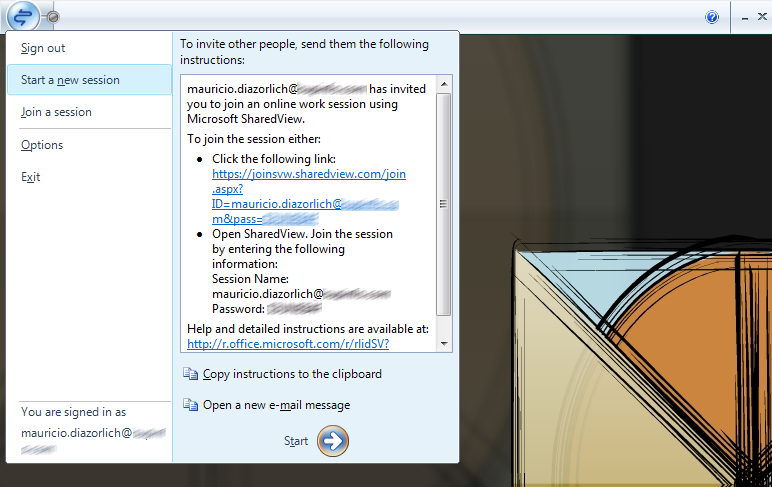
 It took less than five minutes to go the Microsoft Connect website, download and install Microsoft SharedView to share my desktop with a friend.
The installation is as simple as it can be. Once installed, you use a Live ID to sign into SharedView if you want to create a session. The session is created in two clicks and you are given clear instructions to invite people to join it (see screenshot). Guests to your session don't even need to sign in to join.
When members have joined your session you can share specific windows with them and even let them take control of your shared window. You can invite one or more people to present your work or to collaborate. It works fine over the Internet, even across firewalls.
Microsoft SharedView is still a beta (then again, what isn't these days?), but I really recommend that you give it a try. Free download available here.

No comments:
Post a Comment